Keep more than a recipe
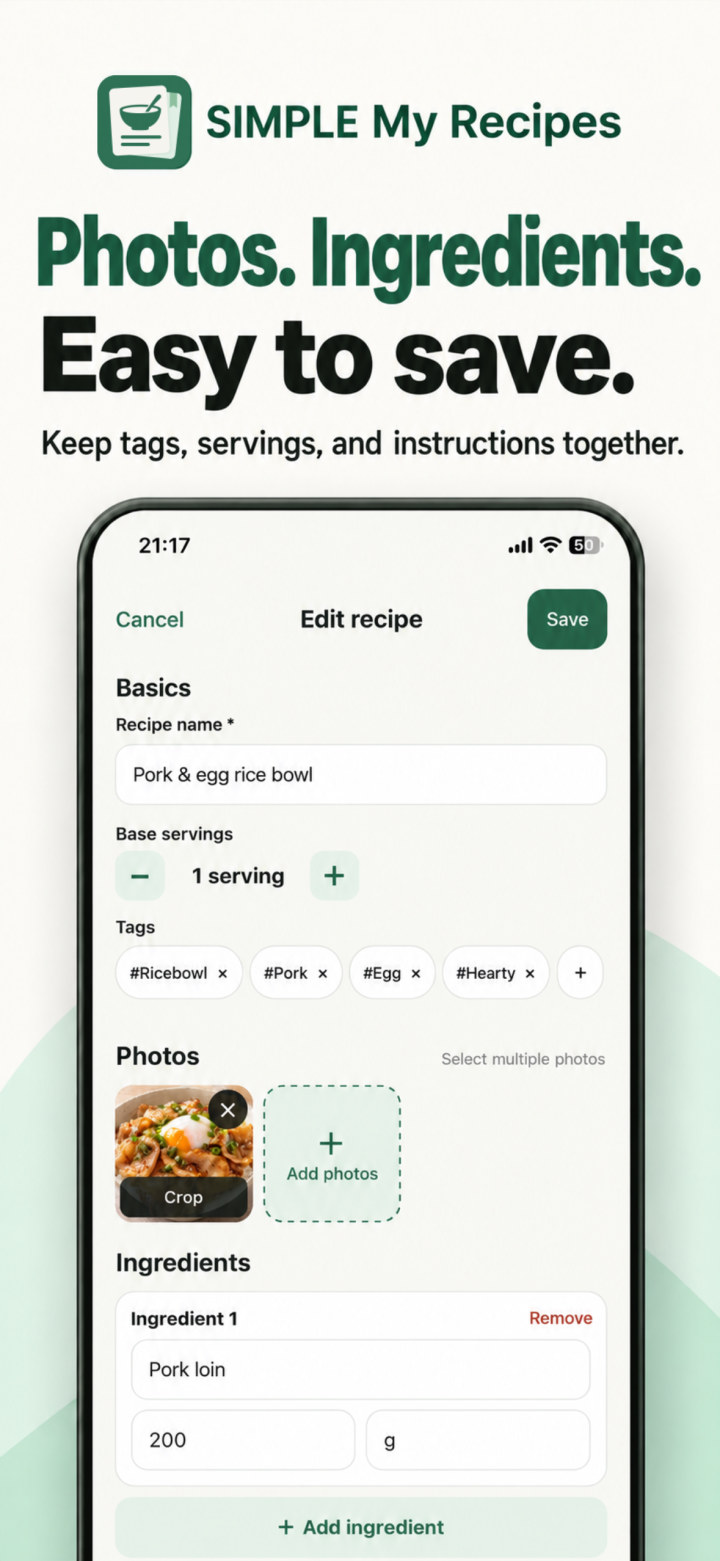
Save ingredients, steps, and your own notes together. Add multiple photos and choose the main photo for each recipe.
 SIMPLE My Recipes
日本語
For the dishes you make your own.
Photos, ingredients, and the little tips that matter.
Keep your favorite dishes together in your own recipe book.
For iPhone · Start with 10 recipes for free
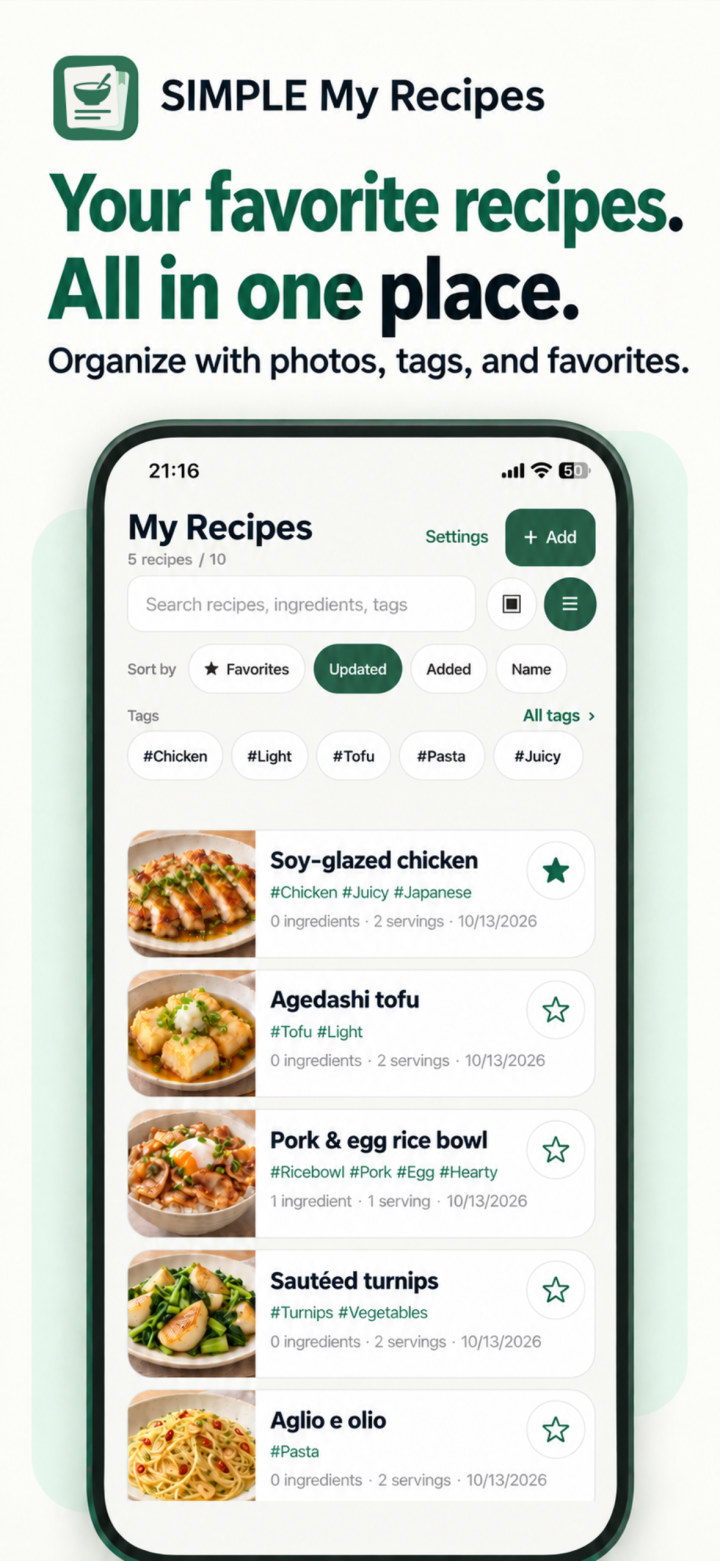
Save ingredients, steps, and your own notes together. Add multiple photos and choose the main photo for each recipe.
Change the servings to calculate amounts entered as numbers. Tablespoons, teaspoons, and quantity ranges are supported, too.
Search by recipe name or ingredient. Narrow your collection with tags and favorites to find the recipe you want.
Reorder ingredients right in the editor. Crop and rotate your photos to keep each recipe your own.
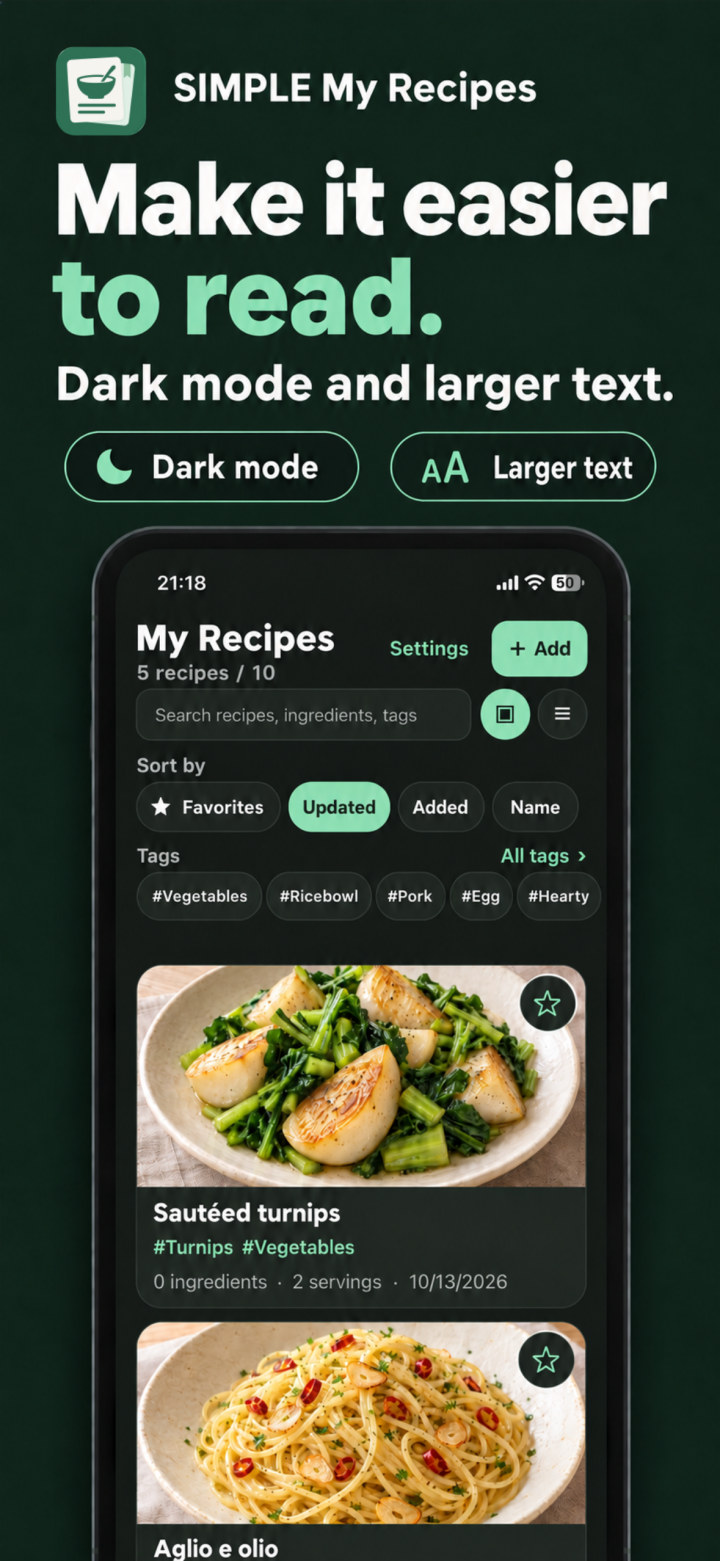
Choose light or dark mode and turn on larger text for a view that is easier to read.
Images show sample content. Add your own recipes and food photos to use the app.
Recording, searching, serving calculations, and backups are available for free.
To get started
Save your photos, ingredients, and instructions to start your personal recipe book.
A little more room
Choose to watch a rewarded ad to permanently add one recipe slot.
For your whole collection
Unlock unlimited recipe storage with a single in-app purchase.
No banner ads or ads that appear automatically. Ads and in-app purchases require an internet connection. Ads may not always be available. Check the App Store for the purchase price.
Recipes are stored on your device. Export recipes and photos as an encrypted backup and save it to iCloud Drive or another location through the Files app. Backups are free, with no usage limit. Create and restore backups manually.
For iPhone · Start with 10 recipes for free